← Back to Blog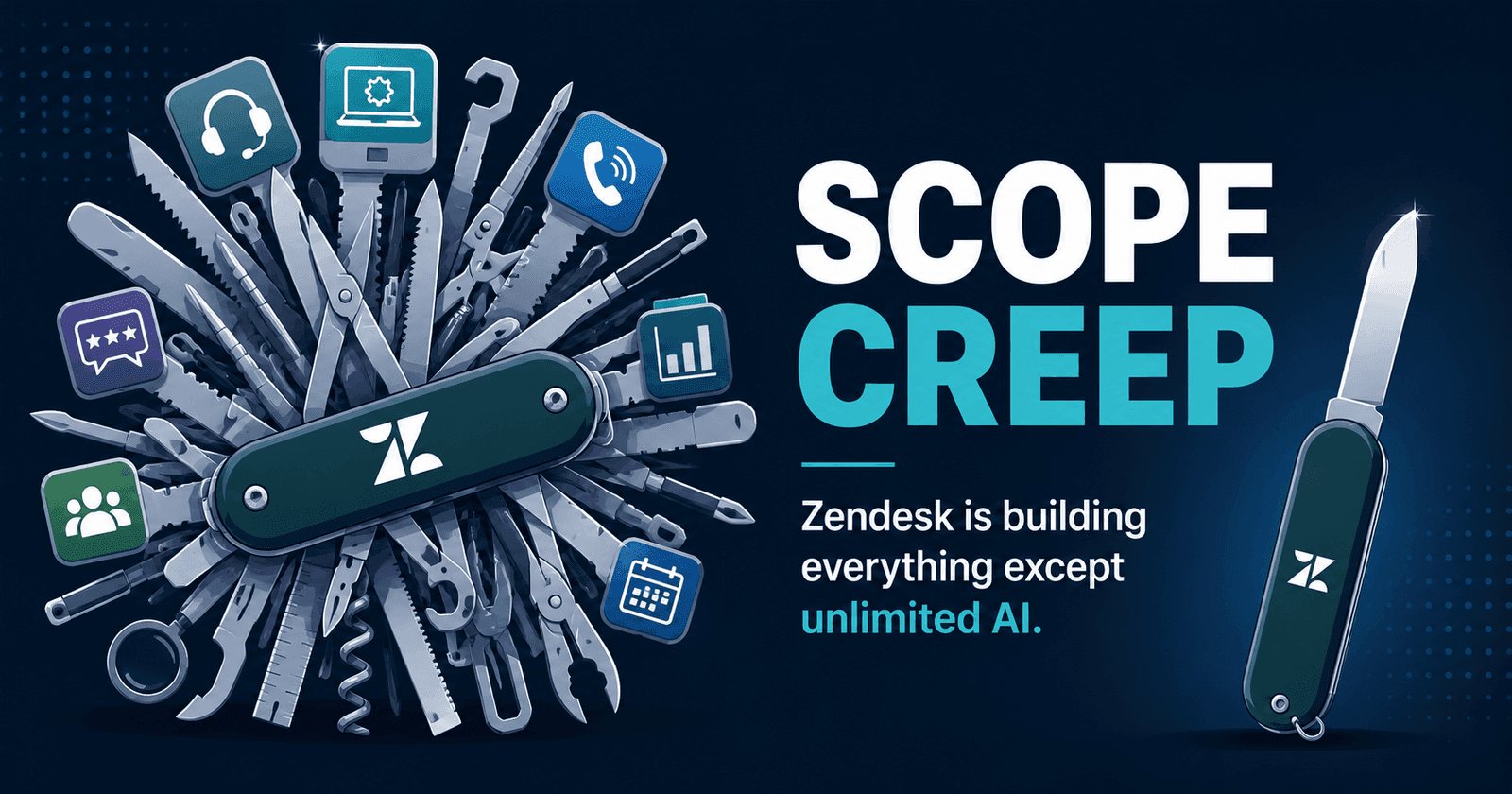
Zendesk Now Wants to Manage Your IT Assets — Is Scope Creep the New Strategy?
·6 min read
In June 2026, Zendesk shipped IT Asset Management (ITAM) as a generally available feature. Device tracking, asset records, hardware lifecycle management — all inside your helpdesk.
In the same month, Zendesk also:
- Kept AI Ticket Summaries capped at 5 per agent per month
- Enforced mandatory 12-hour session timeouts with no admin override
- Broke multi-channel bot configurations during a forced migration
- Started charging per AI resolution, at a rate it does not publish
Zendesk is building IT asset tracking while its core AI helpdesk features are artificially restricted. This isn't product evolution. It's scope creep.
What Zendesk ITAM Actually Is
Zendesk's IT Asset Management lets teams track hardware and software assets directly within Zendesk. The basics:
- 500 asset records included on eligible plans
- Paid expansion available through Admin Center for more records
- Device details integrate into ticket workflows — agents can see what hardware a requester is using when they submit a ticket
- Asset lifecycle tracking — procurement, deployment, maintenance, retirement
On its own, ITAM isn't a bad feature. IT teams genuinely need asset tracking, and connecting asset data to support tickets is useful.
The problem isn't ITAM itself. The problem is what Zendesk chose to build — and what it chose not to fix.
The June 2026 Feature List: Everything But the Basics
Here's everything Zendesk shipped or announced in June 2026:
| Feature | What It Does | Who Asked For It |
|---|---|---|
| IT Asset Management (GA) | Track hardware/software assets | IT teams (not helpdesk users) |
| Admin Copilot | AI config recommendations for admins | Enterprise admins |
| Voice AI multilingual agents | Male/female voices, locale overrides | Call center teams |
| Google Drive as knowledge source | AI agents read Google Docs | Enterprise knowledge teams |
| PDF content support for AI | AI can read PDF knowledge | Documentation teams |
| Box as external knowledge source | Connect Box storage to AI | Enterprise content teams |
| Unified conversation statuses | New status categories across channels | Reporting analysts |
| 18 new marketplace integrations | Third-party apps | Various |
Now here's what Zendesk didn't ship:
| Missing | Current State | Who's Asking |
|---|---|---|
| Session timeout configuration | 12-hour forced logout, no override | Every agent working long shifts |
| Multi-channel bot support | Broken — separate bots per channel now | Every team with unified bots |
| Predictable AI pricing | Charged per resolution; rate not published | Every finance team budgeting |
| Simplified admin experience | "Requires a dedicated admin" — users | Every SMB without support ops |
Zendesk is building IT asset management, voice AI with emotion detection, and Google Drive integrations. Meanwhile, their agents can't use AI summaries more than 5 times a month and get kicked out of the system every 12 hours.
The Zendesk Product Portfolio: 2026 Edition
Zendesk now covers an extraordinary range of functionality:
- Helpdesk/Ticketing — the original product
- Live Chat/Messaging — multi-channel chat
- AI Agents — automated resolution bots
- Knowledge Base — Guide/help center
- Voice/Phone — call center with AI voice agents
- Workforce Management — agent scheduling and forecasting ($25/agent add-on)
- Quality Assurance — conversation review and scoring ($35/agent add-on)
- IT Asset Management — hardware/software tracking (NEW)
- Admin Copilot — AI configuration assistant (NEW)
- Copilot — AI agent assistant ($50/agent add-on)
That's ten product categories. Each with its own pricing, configuration requirements, and learning curve. Each adding complexity to an already complex platform.
For enterprise teams with dedicated Zendesk admins, product managers, and six-figure budgets — this is a comprehensive suite. For a 10-agent team doing customer support? It's overwhelming, expensive, and mostly irrelevant.
The Math: What You Pay For vs What You Use
A realistic 10-agent team uses maybe 3–4 of Zendesk's 10 product categories: ticketing, chat, knowledge base, and maybe AI agents. But Zendesk prices for the full platform:
| What You Need | What You Pay For | Monthly Cost |
|---|---|---|
| Ticketing + Chat + KB | Suite Professional (minimum for AI) | $1,150 ($115/agent) |
| Useful AI features | Copilot add-on | $500 ($50/agent) |
| AI actually resolving tickets | Per-resolution charges | $1,500–$4,000+ |
| Total for what you actually use | $3,150–$5,650+ |
You're paying $3,000+/month and you didn't ask for IT asset management, workforce management, or voice AI with locale-specific overrides. But those features are part of why Zendesk costs what it costs — R&D for ten product lines gets funded by every customer's subscription.
Scope Creep vs Product Focus
There are two ways to build a helpdesk:
The Zendesk approach: Build everything
- 10+ product categories
- Each with add-on pricing
- Each adding admin complexity
- Core features (AI) still restricted
- Requires dedicated admin to configure
The focused approach: Do one thing well
- Customer support: ticketing, chat, knowledge base, AI
- Everything included in one price
- AI without caps or per-resolution fees
- Simple enough for any team to configure
- No IT asset tracking, no workforce scheduling — just great support
DeskLeap takes the second approach. We don't build IT asset management. We don't build workforce scheduling. We don't build quality assurance scoring tools.
We build a helpdesk with AI that actually works — without artificial limits.
The Contrast That Matters
| Zendesk | DeskLeap | |
|---|---|---|
| Product categories | 10+ | 4 (tickets, chat, KB, AI) |
| AI chatbot pricing | Per resolution; rate not published | Included (flat rate) |
| Session timeouts | 12-hour forced logout | None |
| IT Asset Management | Included (500 records) | Not included (not a helpdesk feature) |
| Configuration complexity | "Requires a dedicated admin" | Set up in minutes |
| Monthly cost (10 agents) | $1,650–$5,650+ | $0 — free, or $290 with the AI Agent on all 10 |
Yes, Zendesk includes IT asset management and DeskLeap doesn't. That's by design. Your helpdesk should be great at helping customers — not mediocre at everything.
Who Is Zendesk Building For?
The June 2026 update makes it clear: Zendesk is building for enterprise IT departments, not for customer support teams.
ITAM targets IT ops managers. Admin Copilot targets platform administrators. Voice AI with locale overrides targets global call centers. Workforce Management targets operations directors.
These are features for companies with 100+ agents, dedicated Zendesk admins, and six-figure annual helpdesk budgets. They're not for the 10-agent e-commerce team, the 5-agent SaaS startup, or the 15-agent services company.
If you're in the latter camp — and statistically, most support teams are — you're paying for a platform built for someone else.
The Bottom Line
Zendesk shipping IT asset management in the same month they enforce AI caps and forced logouts tells you everything about their priorities. The product roadmap is pointed at enterprise IT, not at making support teams faster.
If you want a helpdesk that focuses on customer support — with AI that works without caps, pricing that's predictable, and a product that doesn't try to replace your entire IT stack — there are better options.
Related Articles
- Week 1 After Zendesk's Migration: Real Feedback
- Zendesk AI Summaries: 5 Per Agent Per Month?
- Zendesk's 3-Deadline Migration Timeline
- Salesforce Just Bought Intercom — Full Analysis
- Zendesk vs DeskLeap 2026: Full Comparison
Try DeskLeap free — focused helpdesk, free for every agent, AI Agent $29/month each →